

Custom circle stickers for envelope seals and thank-you cards
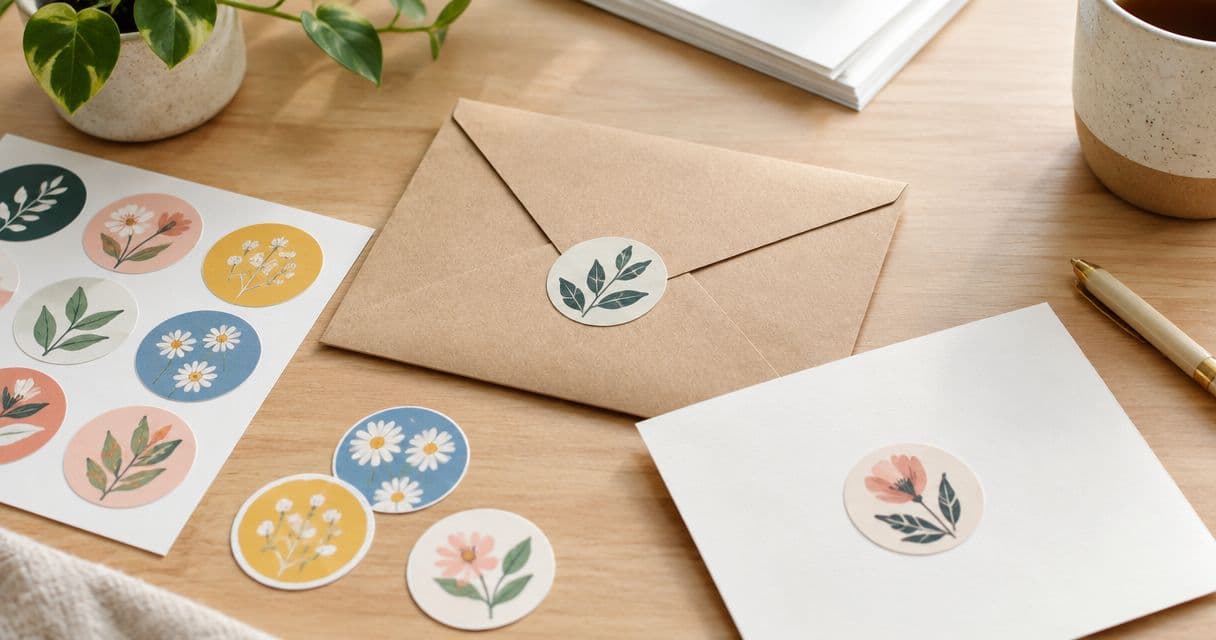
Small-business envelope sealing is the use of custom circle stickers for envelope seals to close a flap and carry your branding into the handoff. For your 2026 packaging plan, use Vinyl Status to order from your own artwork, but choose the diameter, placement and proof details around the envelope—not the logo alone.
- Choose custom circle stickers for envelope seals by flap fit, readable artwork and a real opening test.
- Vinyl Status serves small businesses ordering custom circle stickers from their own artwork.
- Use thank-you card stickers beside the message, not across writing space.
- Approve the artwork proof before treating your production schedule as settled.
Why envelope branding matters for small businesses
An envelope seal has two jobs: hold the intended closing point and present a readable mark. A thank-you card sticker has a different job. It adds branding without interrupting the message or taking over the card.
That distinction changes your order. A circle that fits a broad envelope flap can crowd a small card. Artwork that reads well on a screen can lose its smaller lettering when printed at the diameter you actually need.
Vinyl Status is a fit for small businesses ordering custom circle stickers from their own artwork. The ordering decision still starts with a physical sample layout, not a larger quantity.
For a 2026 packaging refresh, keep the first brief narrow: name the envelope, name the card, and decide whether one sticker design genuinely suits both. Separate designs are justified when the placement or message changes—not simply because more versions are possible.
How to plan custom circle stickers for envelopes and cards
Define what the sticker must do
Start with the envelopes and cards already on your packing table. Close an envelope as you normally would, then mark the point where the circle needs to bridge the flap and the envelope body. On the card, mark an area that leaves the handwritten message untouched.
Decide whether the sticker is decorative or part of the closure. Do not treat a branded sticker as a substitute for the envelope's intended closing method without testing the finished assembly.
A single design works best when the logo, message and placement stay consistent. Separate the jobs when your envelope needs a compact logo but your card needs a thank-you message. That keeps small lettering out of a space it cannot comfortably occupy.
- Envelope closure: place the circle across the flap edge.
- Decorative seal: let the envelope's normal closure do the closing.
- Card accent: reserve a corner or another blank area.
- Message sticker: keep the wording short enough to read at size.
Measure the usable area before choosing a diameter
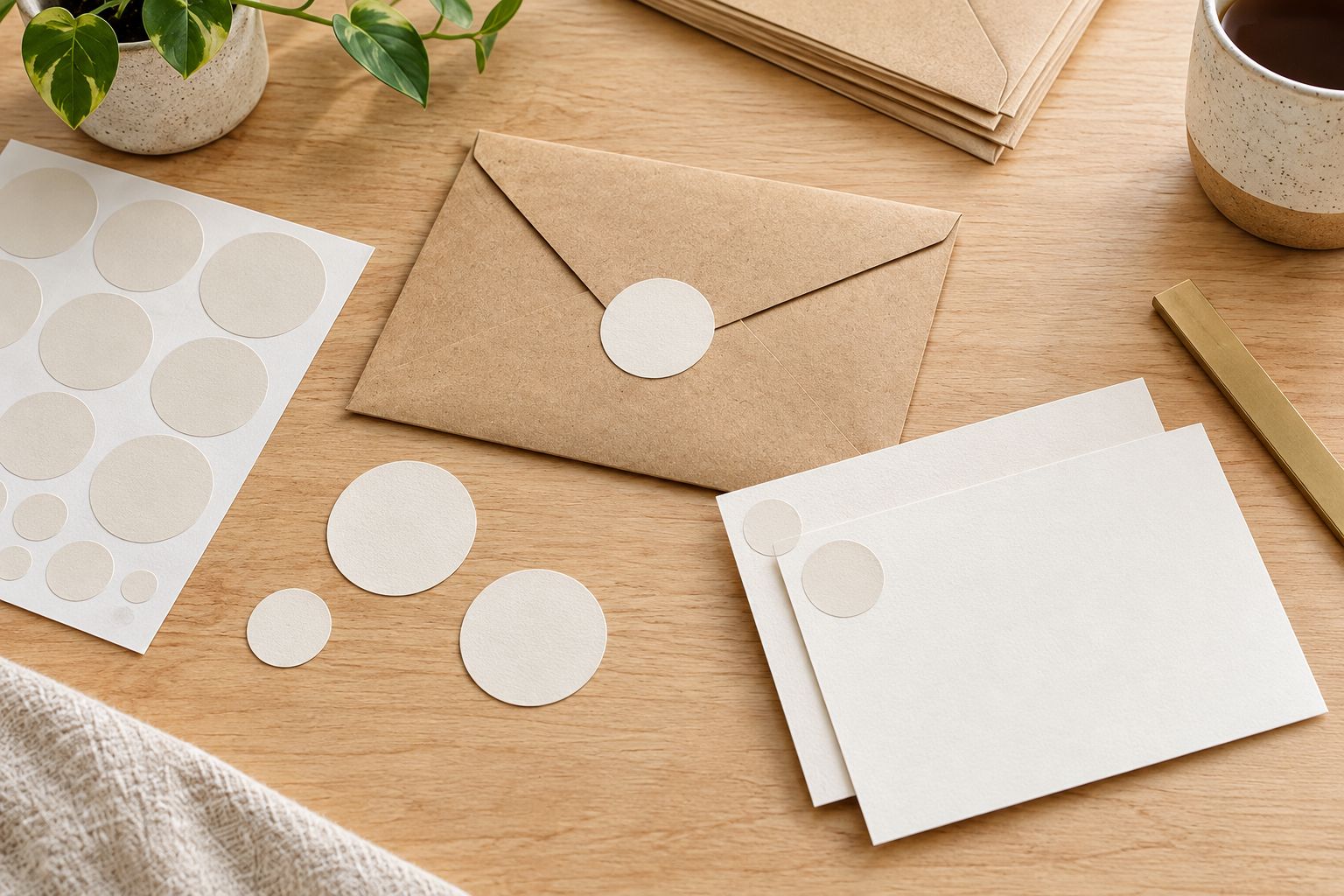
Use a ruler and paper circles before opening a design file. As a layout exercise, cut circles measuring 1 inch, 1.5 inches and 2 inches in diameter. These are test sizes, not a statement about the sizes offered by Vinyl Status.
Place each circle on the closed envelope and the actual card. Check whether it crosses the flap cleanly, covers useful information or pushes into a fold. Keep address areas and postage clear when the envelope will travel through the mail.
Choose the smallest diameter that does the job without squeezing the artwork. If you change envelope suppliers during 2026, repeat this fit check rather than assuming the flap geometry stayed the same.
- Measure the flat area around the closing point.
- Check the circle on both sides of the flap edge.
- Keep the sticker clear of addresses and postage.
- Mark the chosen position on a packing reference sample.
- Test the card separately instead of copying the envelope placement.
Simplify the artwork for the printed circle
Build the artwork at the intended printed diameter. Start with your existing logo file, remove secondary wording that becomes difficult to read, and print a paper mockup at actual size. A large screen preview is not a readability test.
Keep essential artwork away from the cut edge. Ask for the printer's bleed and safe-area requirements rather than choosing an arbitrary margin. If your design includes a border, inspect how small placement differences would affect its appearance.
Use the online ordering path for Vinyl Status custom circle stickers once the layout works on paper. Before submitting, check the current artwork instructions and request clarification about any detail that remains uncertain.
- Retain the logo element customers need to recognize.
- Remove tiny taglines and unnecessary contact details.
- Check thin lines against the intended background.
- Follow the supplied bleed and safe-area requirements.
- Review a printed mockup at its actual diameter.
Match the finish and placement to the job
Choose the visual effect for the setting, then confirm which finishes apply to the circle sticker you are ordering. Matte generally reduces reflections; glossy produces a shinier appearance. Neither choice fixes cramped lettering or an unsuitable diameter.
For envelope seals, start with legibility and a clean closing position. For thank-you cards, consider the nearby paper texture and writing area. A visually busy sticker can compete with the message even when it fits physically.
Do not assume a finish establishes adhesion, removability or compatibility with a particular paper coating. Those are separate questions. Test the intended sticker on the actual envelope stock before committing the same setup to a larger packaging run.
- Best for understated branding: consider matte where offered.
- Best for a shiny appearance: consider glossy where offered.
- Best for handwritten cards: keep the sticker outside the writing area.
- Best for consistent packing: use a fixed placement reference.
Check the proof and confirm the production sequence
Review the proof against your approved paper mockup. Check the diameter, wording, orientation, background and cut boundary. A proof helps you inspect the layout; it does not replace checking a physical sticker on your paper stock.
Request an online proof and ask whether a person checks the artwork. Confirm any proof charges, revision process and approval requirements before ordering. Do not assume those details apply to every format because they appear elsewhere in a print shop's catalog.
For a dated 2026 mailing, build the schedule around the confirmed approval process, production period and shipping time. Production and shipping are separate stages. If a production estimate begins after proof approval, time spent revising the proof comes before that estimate starts.
- Confirm the finished diameter and quantity.
- Read every word, including punctuation.
- Inspect the cut line and artwork spacing.
- Ask about unclear file or print details.
- Confirm when production starts and how shipping is handled.
Calculate quantity from the packing workflow
Count the jobs first. If a planned mailing contains 120 envelopes and each envelope gets one seal, the baseline is 120 stickers. If each matching card also gets one, the baseline becomes 240 stickers. This example describes usage, not an order minimum.
Add extras based on your own packing errors, samples and near-term repeat work. Keep the allowance separate so it does not hide an inflated demand estimate. A dated campaign design needs a tighter forecast than an unchanged business logo.
Finish by assigning a packing method. Confirm how the stickers are supplied and whether split-back liners are included for the printed format you select. Easier peeling is useful only if the rest of the placement process stays consistent.
- Count one seal for each envelope that needs one.
- Count card stickers as a separate use.
- Add a deliberate allowance for samples and mistakes.
- Separate dated artwork from reusable logo artwork.
- Confirm liner and supply details before planning assembly.
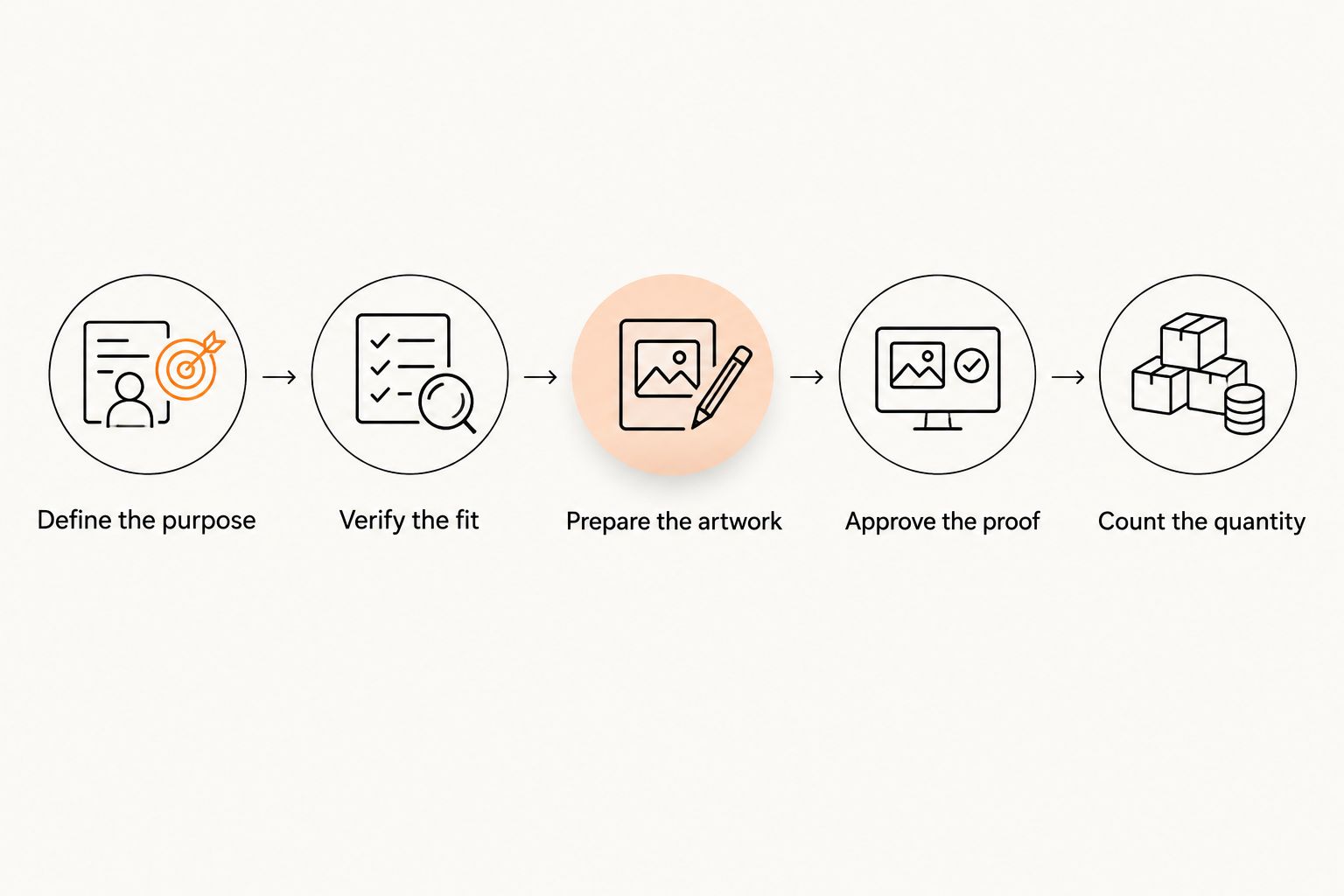
The ordering sequence should stay simple: establish the purpose, verify the fit, prepare the artwork, approve the proof and count the required quantity. Changing the diameter after artwork approval sends earlier decisions back for another check.
Compare envelope and thank-you card options
The useful comparison is between jobs, not just shapes. A circle is a practical starting point for a compact seal. A contour-cut design answers a different question: whether the artwork's outline should become part of the presentation.
Use this table to choose the layout before preparing the final file. Adhesion, finish and liner details still need confirmation for the specific product.
| Option | Best for | Practical advantage | Key limitation |
|---|---|---|---|
| Circle with a logo | Repeating the same mark across envelopes | A regular outline makes placement easy to reference | A wide logo can leave unused space above and below |
| Circle with a short message | Thank-you cards with a reserved blank area | Keeps the message and branding together | Extra wording reduces room for the logo |
| Separate envelope and card designs | Businesses with different closing and messaging needs | Each design can suit its own placement | Requires separate artwork checks and quantity planning |
| Die-cut logo sticker | Designs where the outer silhouette matters | The cut follows the artwork's contour | An irregular outline needs its own flap-fit test |
Use one circle design only when it passes both placement tests. Sharing artwork saves preparation work, but it is not a reason to accept a crowded card or an awkward envelope closure.
Common mistakes small businesses make
Choosing size from the logo preview
A logo shown large on a screen says little about its printed readability. Print the proposed circle at actual size, place it on the envelope, and read it without enlarging the artwork.
Assuming a decorative seal proves closure performance
An attractive circle across a flap is not evidence that the envelope will remain closed in its intended handling conditions. Test a finished sample and retain the normal envelope closure when the sticker is decorative.
Reusing the envelope layout on the card
The envelope needs a closing position; the card needs room for a message. Give each a placement check, even when both use the same diameter and artwork.
Buying extras without identifying their use
Extra stickers with an unchanged logo can serve repeat work. Extra stickers bearing a dated message have a narrower purpose. Forecast the campaign first and keep surplus out of the next design decision.
FAQ
What size circle sticker should I use to seal an envelope?
Choose a diameter that bridges the flap edge without crowding the envelope. Test paper circles measuring 1 inch, 1.5 inches and 2 inches on your actual envelope; these are layout examples, not confirmed ordering options.
Can I use the same circle sticker on envelopes and thank-you cards?
Yes, if the artwork stays readable and the circle fits both placements. Check the closed envelope and the card’s writing area separately before approving one shared design.
Are matte or glossy circle stickers better for thank-you cards?
Choose matte for reduced reflections or glossy for a shinier appearance, where those finishes are offered. Neither finish compensates for tiny text, and the sticker should stay outside the handwritten message area.
Will a circle sticker keep my envelope closed?
Do not rely on an untested sticker as the envelope’s only closure. Test the finished sticker on the actual paper stock and use the envelope’s intended closing method when the circle is decorative.
What should I check on a custom sticker proof?
Check the diameter, wording, orientation, background, cut line and spacing around essential artwork. Compare the proof with an actual-size paper mockup before approving production.
How many stickers do I need for envelopes and cards?
Count every intended application separately. A mailing with 120 envelopes and 120 cards needs 240 stickers if each receives one, before adding your chosen allowance for samples or mistakes.
Does production time include proof changes and shipping?
Treat proof revisions, production and shipping as separate stages unless your order terms explicitly combine them. Confirm when the production estimate starts before scheduling a dated mailing.
Can Vinyl Status print circle stickers from my business artwork?
Yes. Vinyl Status is an online print shop that accepts customer artwork for custom circle stickers and other printed formats. Confirm the current artwork requirements and product details before submitting your order.
One last thing
Keep one approved envelope and one approved card beside the packing station. They provide a physical reference for position and orientation that a saved artwork file cannot show.
For your next 2026 reorder, compare the new envelope stock with that reference before reusing the old specification. The same sticker file does not guarantee the same fit on a different flap.
Related guides
- Contact for questions about the format and artwork before ordering.