

Create your QR code
Upload a code or generate one from a link.
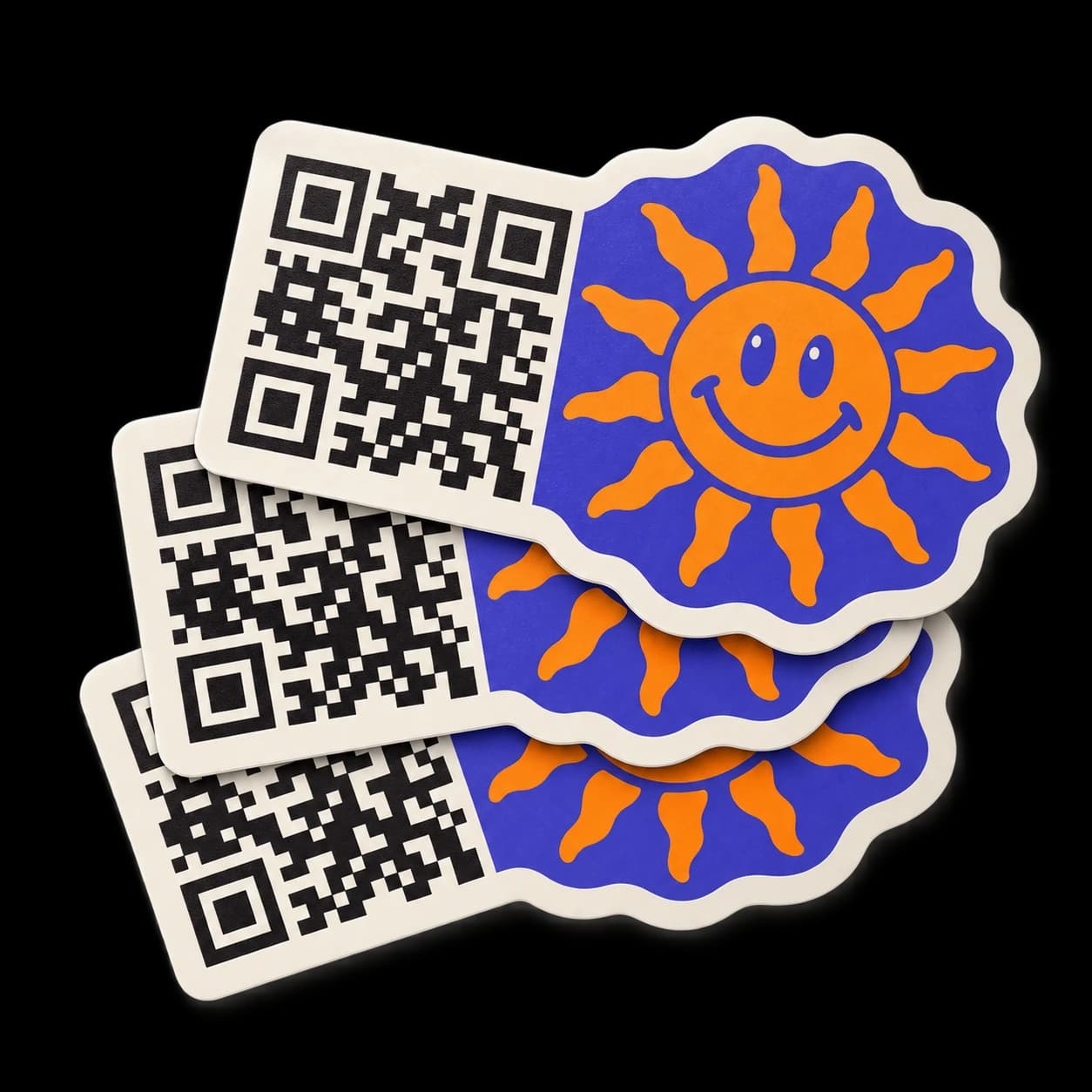
Your QR code and your artwork, together. Example design shown.
Upload a code or generate one from a link.
Production after proof approval.
Approve before we print.
Send customers to your menu, booking page, social profile, or website. Add your branding so they know whose link they’re opening.
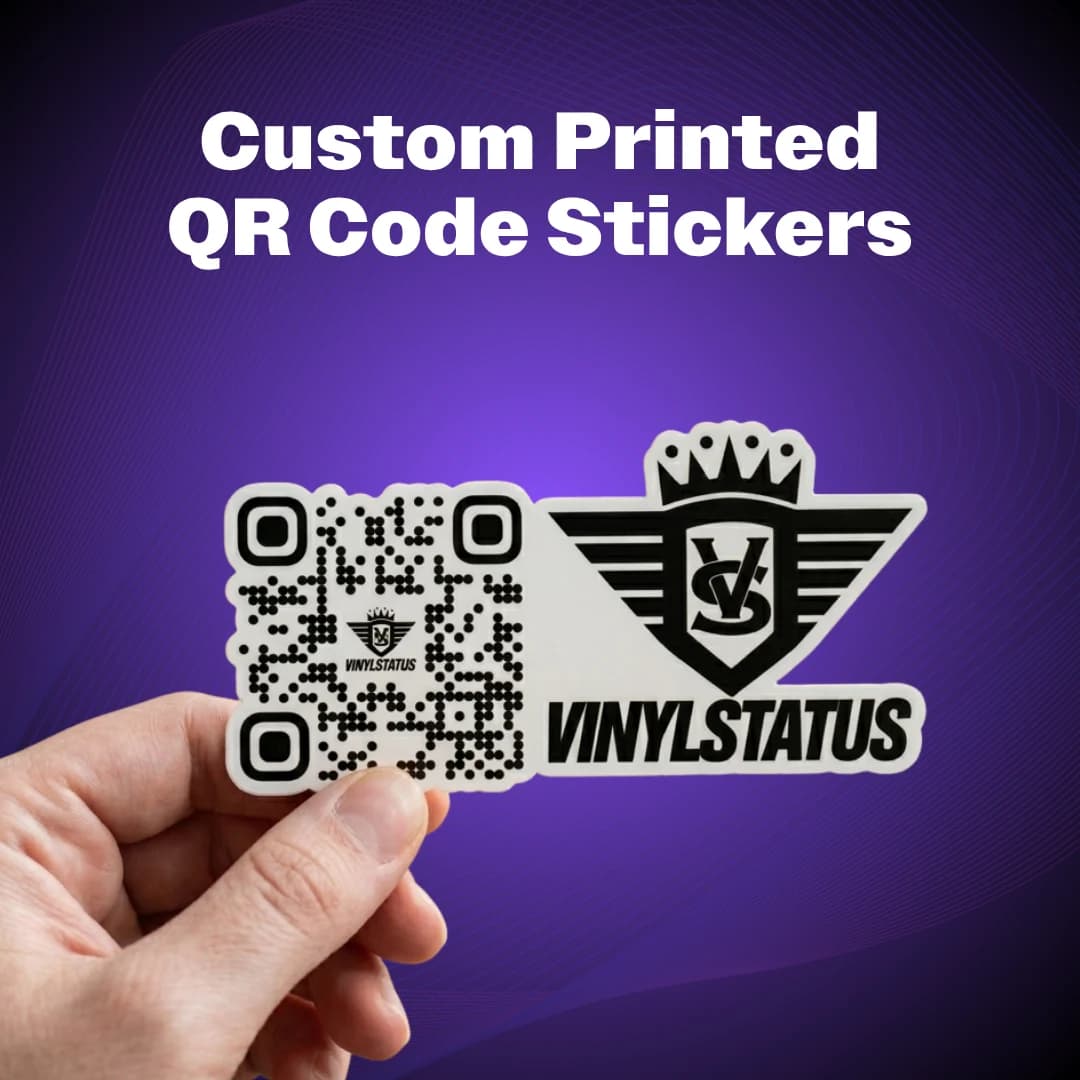
Durable printed vinyl with your choice of smooth matte or shiny gloss.
Pair the code with your logo, choose its position, or keep it QR-only.
Keep the code clear, preserve its margin, and test your proof on a phone.
4.94 / 5 · 975 reviews · Powered by Yotpo · Includes related product reviews
They are awesome!
Incentivized reviewCustom round stickersThis is my 3rd order. Quality is always top notch and quick deliveries
Incentivized reviewCustom printed die cut stickersGreat Stickers with no complaints!
Incentivized reviewCustom rounded corner stickersShowing 3 of 975 reviews
No. On the next page, upload an existing QR code or enter a website link to generate one. You can then add your own artwork or choose a QR-only sticker.
Yes. Pair your QR code with your artwork and choose its position on the next page. Review your online proof before printing.
Use a working web link to your website, menu, booking page, social profile, or other online destination. Check that the page opens correctly on a phone before ordering.
Yes. Review and approve your online proof before we print. You can request changes from our design team if your layout needs adjusting.
Choose a size that leaves the code clear and easy to scan from the intended distance. More detailed codes and designs with a logo may need more space. Keep a clear margin around the code and test it at the final printed size before approving.
Matte has a smooth, low-glare finish. Gloss has a shiny finish. Both options are available in the selector. Test scanning in the lighting and location where you plan to use your sticker.
The QR code itself cannot be changed once printed. A code generated from a direct website link keeps that same link. If you use a redirect or a dynamic QR service, destination changes depend on that service.
Use strong contrast, keep the clear margin around the code, and place the sticker on a smooth surface. Test your final design with more than one phone before approving your proof.
Production starts after your proof is approved. Shipping time depends on your destination and delivery method; production turnaround is separate from transit time.
Copyright 2026 Vinyl Status.
All rights reserved.