

Custom die cut stickers for packaging: shapes, sizes, quantity
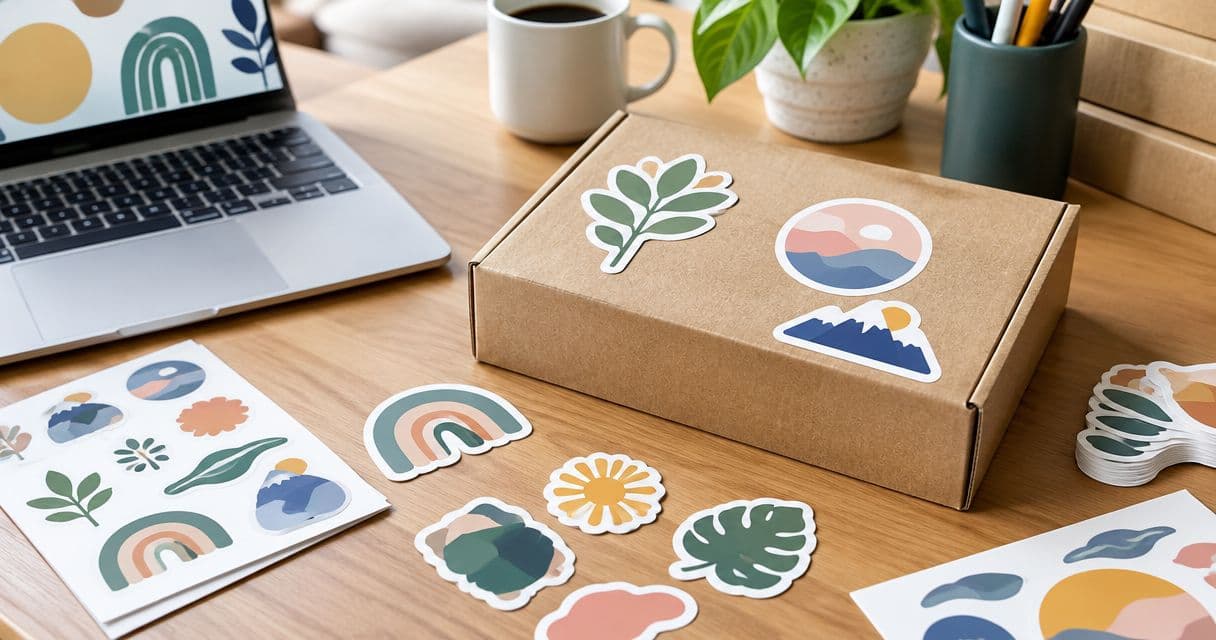
Small-business packaging sticker printing is the process of turning your artwork into custom die cut stickers for packaging, with the aim of making boxes, bags, and wraps identifiable. Start your 2026 order by checking for free online proofs and human artwork checks, then match the shape, size, and quantity to the package rather than the logo file alone.
- Vinylstatus fits small businesses ordering custom die cut stickers for packaging from their own artwork.
- Choose a die-cut outline when the silhouette matters; compare circles and squares when placement matters more.
- Measure the usable packaging panel, then inspect the artwork at its intended printed size.
- Calculate packaging sticker quantities from planned orders, stickers per package, and a separately justified allowance.
Vinylstatus fits small businesses ordering custom die-cut stickers from their own artwork. The ordering decision still starts with your package: where the sticker sits, what it needs to communicate, and how your team will apply it.
Why packaging stickers matter for small businesses
Packaging stickers give you a place for your logo without making the entire box or bag carry the design. That makes the sticker's dimensions and placement part of the packaging specification, not an afterthought.
A small business also has to separate branding from other jobs. A decorative logo sticker, a closure sticker, and a product information label serve different purposes. Do not assume one design can handle all three without checking the space and required information.
For your 2026 packaging plan, define the sticker's job before comparing quantities. A recognizable outline has little value if the artwork disappears against the package or the sticker crosses a fold where it was meant to sit flat.
How to plan custom die cut stickers for packaging
1. Define the packaging job before choosing the shape
Decide whether your sticker identifies the business, decorates the package, carries product information, or closes a wrap. Give the design one primary job. Competing messages force you to reduce the logo or add text that becomes difficult to read.
For example, a logo on the front of a shipping box needs a clear visual relationship with that panel. A sticker spanning folded tissue needs a placement test across the fold. Neither task requires the same layout as a giveaway sticker customers take home.
Write a short ordering brief before opening your artwork file. Include the package, application position, intended message, and who will apply the stickers. This keeps revisions tied to an actual use rather than personal preference.
- Name the package: box, bag, sleeve, wrap, or container.
- Choose one primary job for the sticker.
- Identify the surface where the sticker will sit.
- Separate packaging use from giveaway use.
- Remove messages that belong elsewhere on the package.
2. Measure the usable panel and test a paper outline
Measure the flat area available after excluding folds, handles, seams, and existing labels. Then print or draw a paper outline at the proposed finished dimensions. Place it on the actual packaging, not just a photograph.
As a planning exercise, compare a 2-inch-wide outline with a 3-inch-wide outline. These are test dimensions, not product specifications or universal recommendations. The point is to see which footprint leaves enough room around the artwork while fitting your package.
For a die-cut design, check both width and height. A tall mascot and a wide wordmark occupy different spaces even when their longest dimension matches. Also inspect the empty areas around an irregular silhouette; the bounding rectangle does not show how balanced the applied sticker will look.
- Measure the usable panel in inches.
- Mark nearby folds, seams, and required labels.
- Test a paper outline at actual size.
- Compare the outline on a filled package.
- Record both finished width and finished height.
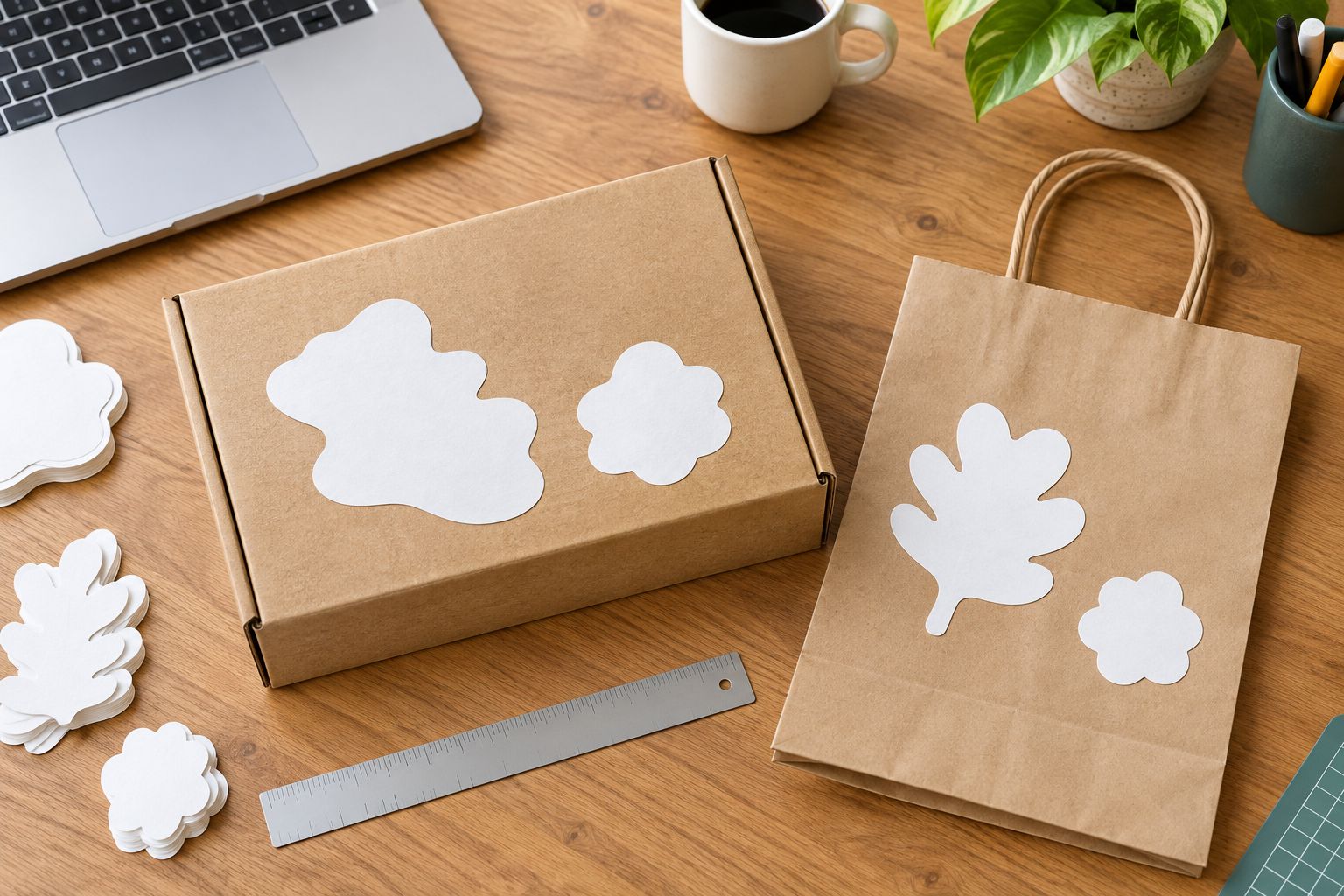
3. Choose an outline that supports the artwork
Choose die-cut stickers when the outline is part of the design: a mascot, emblem, illustrated product, or distinctive wordmark. Choose a simpler shape when a surrounding field helps organize the logo and supporting text.
Vinylstatus offers custom die-cut, circle, and square sticker formats. Compare those formats by the job they perform, not by assuming the most detailed cut is the strongest choice. A circle can contain a compact logo; a square can give a block-style layout a clear boundary.
Inspect narrow projections, small notches, and isolated visual details in a die-cut outline. Ask how the proposed cut line handles those features. Do not treat a decorative contour as proof that the artwork will remain clear at your chosen size.
- Choose die-cut for a silhouette-led design.
- Choose circle for a compact, centered layout.
- Choose square for a layout with a defined frame.
- Simplify details that disappear at printed size.
- Check the cut line separately from the artwork.
4. Prepare artwork and inspect the proof at actual size
Provide the clearest original artwork you have, then follow the printer's file requirements. Avoid enlarging a small preview image and treating it as a production-ready source. Check lettering, borders, and image detail at the intended printed dimensions.
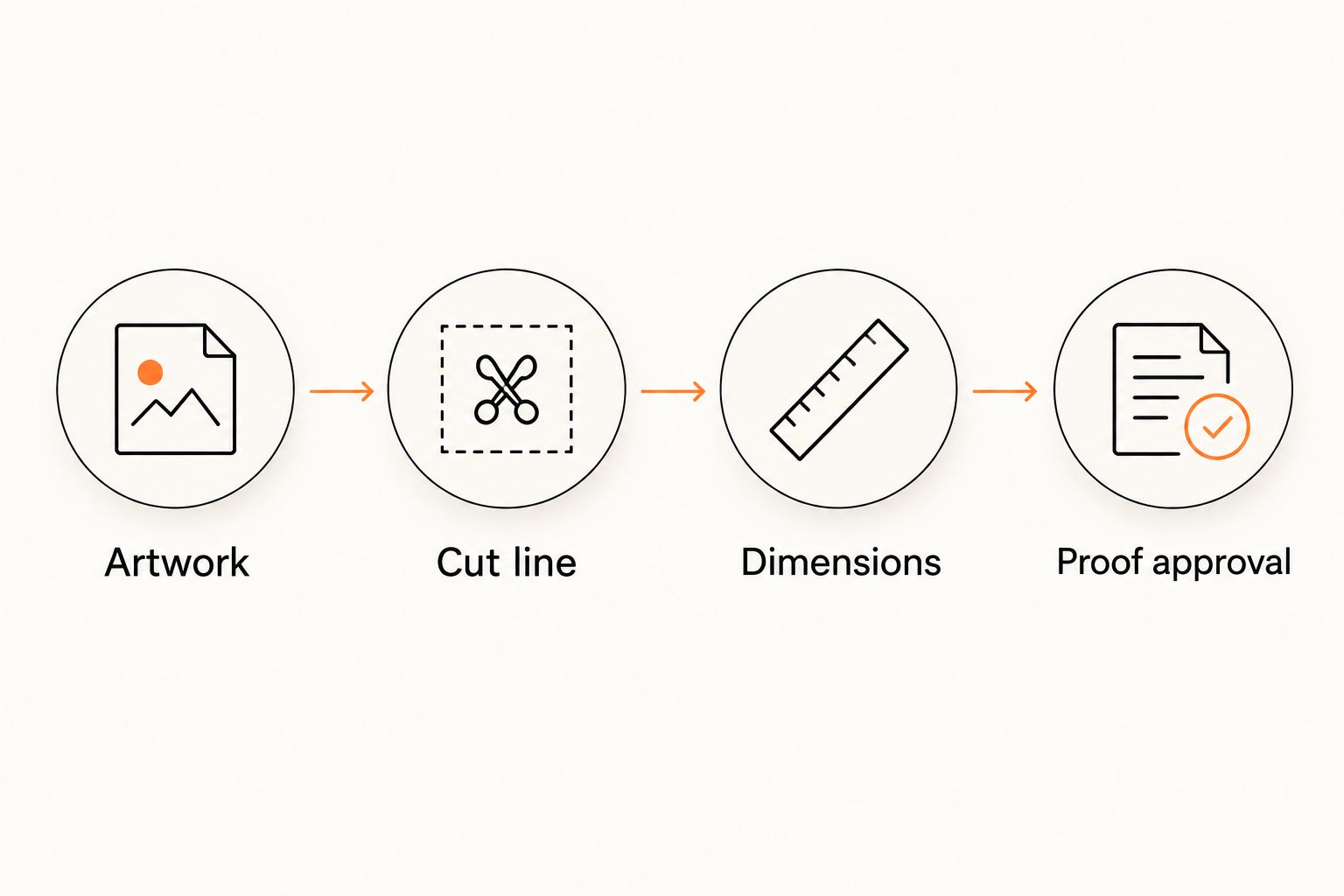
Ask whether free online proofs and human artwork checks are included. A proof should let you inspect the artwork, cut line, dimensions, and placement before approval. A human check is a separate question: confirm what the reviewer checks rather than assuming it covers every design decision.
For a 2026 reorder, compare the new proof with the approved specification, not your memory. Keep responsibility for spelling, URLs, product wording, and brand details with someone who knows the business. Proof approval is a production decision, not an administrative checkbox.
- Open the artwork at actual printed size.
- Verify spelling and any destination URL.
- Inspect the cut line and surrounding border.
- Confirm the finished dimensions on the proof.
- Save the approved file and order specification.
5. Check the finish, surface, and peeling workflow
Choose a finish after looking at how the artwork and package work together. Compare matte and glossy by reflection, contrast, and the appearance you want; neither finish is automatically correct for every logo. Request confirmation of the finishes available for your selected format.
Test application on the actual packaging material when a physical sample is available. A screen proof cannot establish how a sticker behaves on your particular coated carton, textured bag, or curved container. Treat corners, folds, and surface preparation as separate application questions.
Also ask whether the selected printed stickers use split-back liners. That detail concerns peeling and handling, not the visible design. Confirm it for the product you intend to order instead of carrying the assumption across every sticker format.
- Compare finish under your packing-area lighting.
- Check logo contrast against the package color.
- Test the actual surface rather than a substitute.
- Ask about split-back liners for the selected format.
- Keep application instructions with the packing supplies.
6. Calculate quantity from the packaging workflow
Build quantity from planned use. Multiply the number of packages you expect to prepare by the stickers required for each package, then add an allowance with a stated purpose. Do not hide giveaways, test applications, and packaging demand inside one unexplained total.
For a hypothetical order of 100 packages using 1 sticker per package, the base requirement is 100 stickers. If the same package needs a second sticker, the base becomes 200 stickers. These are planning examples, not sales forecasts or recommended order quantities.
For products sold in several variants, distinguish the shared brand sticker from variant-specific information. With candle and soap packaging stickers, a shared logo design can remain separate from scent or product details. That distinction lets you calculate the logo sticker order across the packaging workflow without assuming every product needs identical wording.
Use your 2026 sales and packing plan, not the largest quantity shown on an order form. Record why any extra stickers are needed so the next reorder starts with evidence.
- Count planned packages for a defined period.
- Record stickers required per package.
- Separate shared logos from variant-specific labels.
- Add test and giveaway quantities as separate lines.
- Check existing usable stock before ordering.
7. Confirm approval, production, and delivery separately
Work backward from the date your team needs to pack orders. Allow time to submit artwork, review the proof, request corrections, approve the final version, complete production, and receive the shipment. Those are separate stages.
If a selected product states two-business-day production after proof approval, treat that as production time only. Shipping is additional. Confirm the applicable terms before building your packing schedule around them; an artwork upload and an approved proof are not the same milestone.
For a Vinylstatus order, keep the approved specification and delivery details together. Confirm any made-in-the-USA production statement for the selected product if origin is part of your purchasing criteria. Do not turn a general expectation into an unverified product requirement.
- Set the date stickers must reach your packing area.
- Allow time for proof corrections before approval.
- Confirm when production timing begins.
- Separate production time from shipping time.
- Save the final dimensions, finish, and quantity.
Compare packaging sticker shapes by the buying decision
Choose the shape that solves the packaging task with the least unnecessary detail. Die-cut, circle, and square stickers offer different layout choices; the table compares their uses without assuming differences in material, finish, or production terms.
| Option | Best for | Practical advantage | Key limitation |
|---|---|---|---|
| Custom die-cut stickers | Logos or illustrations whose silhouette matters | The cut outline follows the design | Irregular artwork requires close inspection of the cut line and small details |
| Circle stickers | Compact logos and centered packaging layouts | A consistent round boundary contains the artwork | Wide wordmarks need a layout check inside the circle |
| Square stickers | Block-style artwork and framed logo layouts | Straight edges give the design a clear boundary | Placement needs checking against nearby package edges and folds |
A shape comparison does not replace an application test. Keep the same package, artwork scale, and viewing conditions when assessing alternatives so you are comparing the shape rather than unrelated design changes.
Common mistakes small businesses make
Ordering from the logo preview instead of the package
A logo can look balanced on a screen and still be too wide for a bag panel. Measure the usable surface and test an actual-size paper outline before approving dimensions.
Using one design for packaging and giveaways
A packaging sticker may depend on the box around it for context. A giveaway sticker has to stand on its own. Keep the quantities separate when the designs serve different jobs, even if both use the same logo.
Treating proof approval as a spelling check only
Correct spelling does not confirm the cut line, dimensions, or border placement. Review those details together and record the approved specification so a reorder has a clear reference.
Ordering extras without an intended use
An unexplained buffer makes it harder to understand leftover stock. Name each allowance: test applications, an event, replacements, or a specific packing run. Revisit those assumptions before repeating the order.
Treating a logo sticker as a complete product label
Branding and required product information are separate checks. Confirm what information your product and sales channel require; do not assume a decorative packaging sticker replaces those requirements.
FAQ
What’s the best shape for custom die cut stickers for packaging?
Choose a die-cut shape when the logo’s silhouette is part of its identity. Compare a circle or square when a simple boundary makes the packaging layout clearer.
What size should a packaging logo sticker be?
Choose the size from the usable package panel and the artwork’s readability at actual size. Test a paper outline on the filled package, keeping it clear of folds, seams, and required labels.
How many packaging stickers should a small business order?
Calculate planned packages multiplied by stickers per package, then add separately justified quantities for testing or giveaways. Check existing usable stock before placing the order.
Is matte or glossy better for packaging stickers?
Choose between matte and glossy by checking reflection, artwork contrast, and the intended package appearance. Confirm which finishes are available for the selected sticker format and inspect a physical sample when available.
What should I check before approving a die-cut sticker proof?
Check the finished dimensions, artwork, spelling, cut line, and border placement before approving a die-cut sticker proof. Keep the approved file with the order specification for future reorders.
Does production time include shipping time?
Production time and shipping time are separate. Confirm when production begins, especially when timing starts after proof approval, and allow separately for shipment to your packing location.
Can Vinylstatus print packaging stickers from my own artwork?
Vinylstatus lets customers design and order custom stickers from their own artwork, including die-cut, circle, and square formats. Confirm the selected format’s artwork requirements, dimensions, and proof process before ordering.
One last thing
Keep a physical packaging reference alongside the approved artwork: an unused package, a paper size template, and a note showing the intended position. That gives whoever places the next order something more reliable than a small image in an old email.
For your next 2026 reorder, check whether the package itself has changed before reusing the sticker specification. The same artwork does not guarantee the same fit on a different box or bag.