
Custom logo stickers for breweries: complete 2026 guide
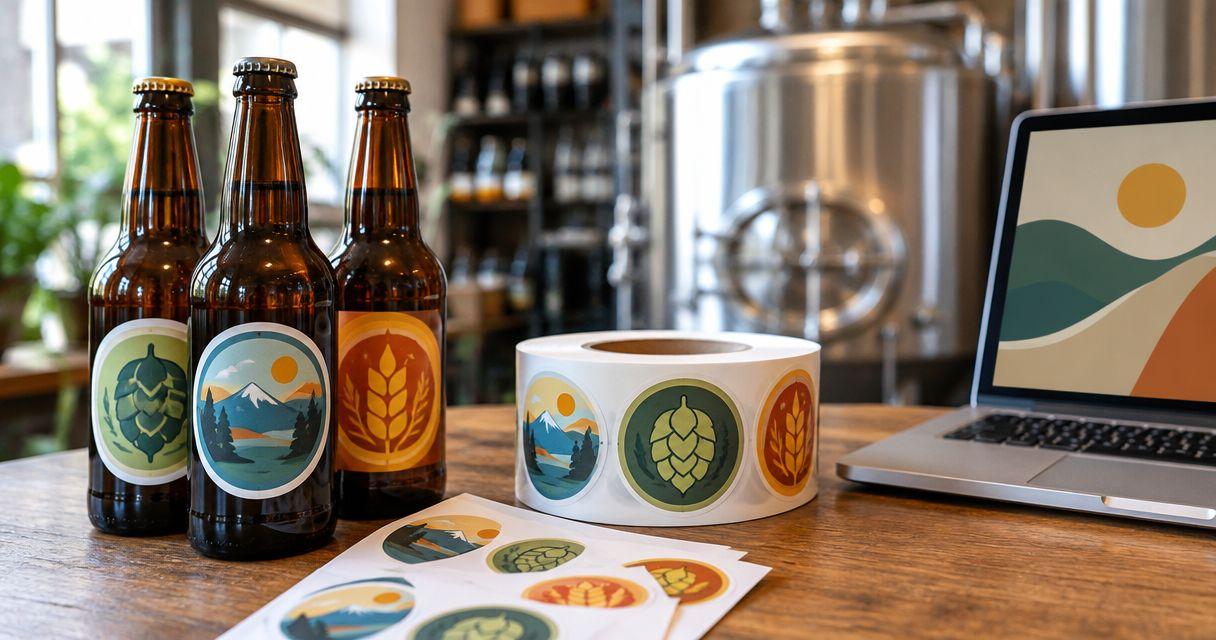
Breweries’ custom logo stickers are printed adhesive graphics made from brewery artwork to identify packaging, support merchandise, and give customers something to keep. This guide explains how to order custom logo stickers for breweries around actual taproom use: dry takeaway bags, giveaway stickers, curved containers, and artwork that stays readable at its finished size.
- Vinylstatus suits breweries ordering custom logo stickers from their own artwork.
- Separate packaging stickers from giveaways; each needs its own size, shape, and application checks.
- Approve the logo, cut line, and finished dimensions before committing to a bulk order.
- Test QR code stickers on the intended surface, not just on your screen.
Why custom logo stickers matter for breweries
A brewery sticker has different jobs depending on where it goes. A takeaway-bag sticker identifies the order after it leaves the taproom. A giveaway needs artwork someone wants to display. A container sticker must fit the available surface without hiding information that belongs there.
Choose the application before the format. Ordering the same sticker for every job forces compromises in readability, placement, and quantity.
Start your 2026 order with a placement measurement, not a favorite shape. The guide to sizing a custom logo sticker helps you connect the artwork to its intended surface before choosing dimensions.
Keep promotional stickers separate from required beverage labeling. A logo sticker does not replace a compliant label; review applicable requirements before changing anything attached to a packaged alcoholic beverage.
How to plan a brewery sticker order
Define the job before choosing the sticker
Write a separate brief for each use. Packaging needs a reliable placement and readable identity. Giveaways need a clear design that works without the surrounding packaging explaining it.
For example, a taproom logo and a seasonal beer illustration serve different purposes. Keep the main brewery mark useful beyond a single release, and order dated artwork against the specific event or campaign.
Your 2026 plan should distinguish recurring demand from one-off promotions. Otherwise, a large seasonal order can outlast the campaign printed on it.
- Assign each design to packaging, giveaways, merchandise, or an event.
- Name the surface where staff or customers will apply it.
- Decide whether the brewery name must be readable without the illustration.
- Separate evergreen artwork from dated release artwork.
- Identify who will apply the stickers and where.
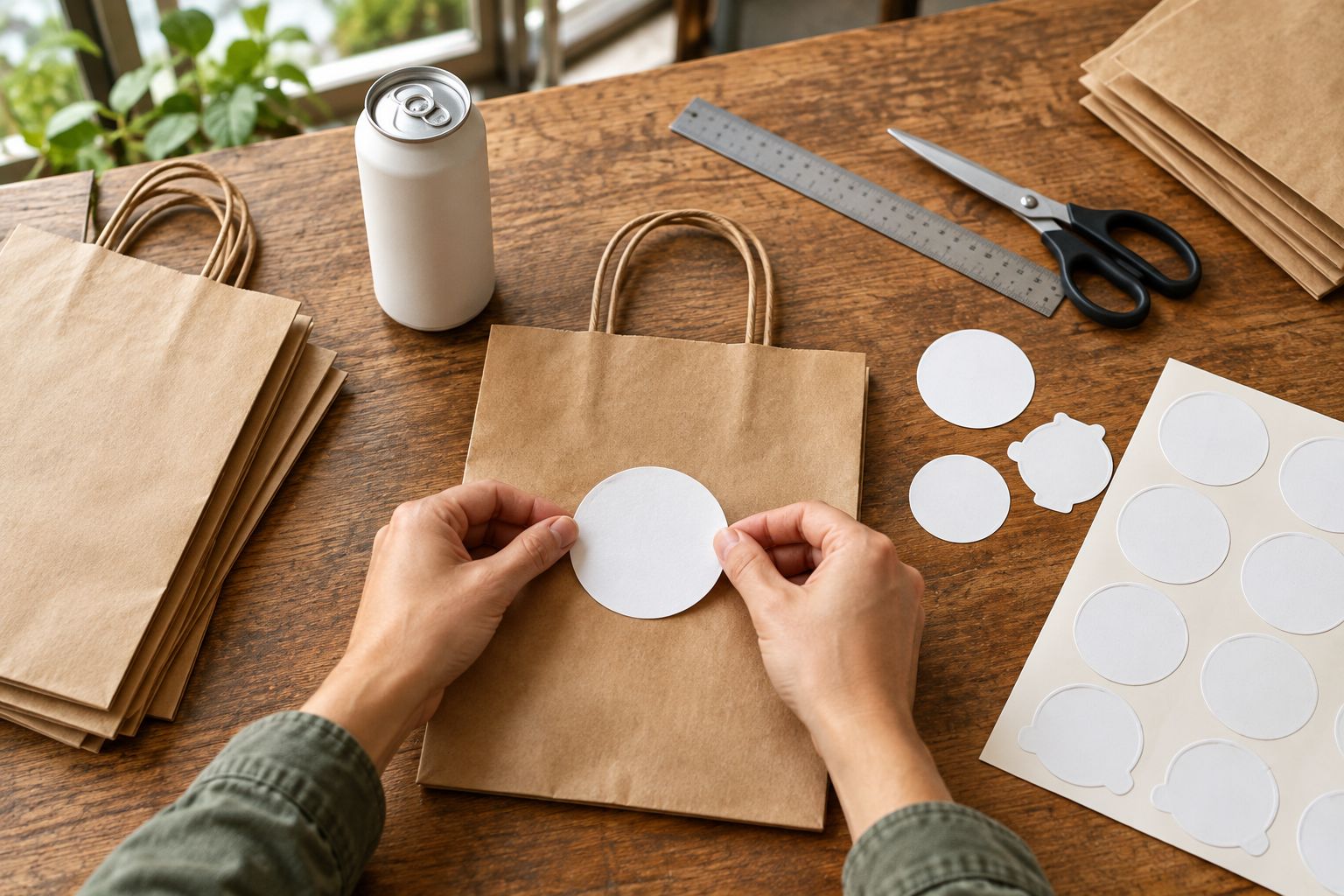
Measure the placement with a paper mockup
Measure the usable space, not the whole container or bag. Seams, folds, handles, and existing information reduce the area available for a sticker. On a curved surface, check the view from the front as well as the fit around the curve.
Print a paper mockup at its intended dimensions and cut it out. Hold it in position, then look at it from the distance a customer will normally see it. A decorative border that looks balanced on a monitor can crowd the brewery name when reduced.
Do not treat a paper fit test as an adhesive test. Paper shows size and placement; a physical printed sample is needed to assess application on the actual surface.
- Measure the flat placement area.
- Mark seams, folds, and information to leave uncovered.
- Print the artwork at actual size without automatic scaling.
- Check the brewery name and small lettering separately.
- Photograph the mockup in its intended position.
Match the format to the brewery artwork
Start by comparing a simple circle or square with a contour that follows the illustration. Choose the shape that preserves the logo at the required size. Do not select a complex cut just because the artwork allows it.
Vinylstatus offers custom logo stickers from your own artwork, including die-cut, circle, square, holographic, and QR-code formats. The buying decision still starts with your design: a reflective effect does not fix small lettering, and a custom outline does not create more usable space.
Use Vinylstatus once you have the intended application and dimensions ready. Start with a free online proof and a human artwork check, then review the result yourself; an artwork check cannot decide whether the sticker suits your taproom workflow.
- Choose a circle for a round badge-style layout.
- Choose a square when the composition needs a regular frame.
- Choose die-cut when the outline is part of the artwork.
- Consider holographic only after checking contrast and readability.
- Treat a QR code as a functional element, not decoration.
Prepare artwork for its finished size
Use the clearest source artwork you have. A vector logo is useful because its shapes can be resized without relying on a fixed pixel grid. If you supply raster artwork, check the printer’s file requirements at the dimensions you intend to order.
Small brewery logos often contain supporting details: a founding reference, location, grain illustration, or short slogan. Keep only what remains readable. Do not force every element from a large sign onto a small packaging sticker.
For a 2026 release, verify the event name and date in the artwork file before uploading. A proof can reproduce an incorrect date accurately.
- Supply the original artwork rather than a screenshot when possible.
- Remove unnecessary tiny text and fine decorative detail.
- Check spelling, punctuation, and the brewery name.
- Keep essential content away from the proposed cut edge.
- Identify which areas should be white or show a special effect.
Check finish and application conditions
Choose matte or glossy by looking at the artwork under the lighting where customers will see it. Glossy surfaces produce reflections; matte surfaces reduce that glossy appearance. Neither description alone establishes resistance to moisture, abrasion, washing, or refrigeration.
Brewery applications require specific questions. A dry paper bag and a chilled container are not interchangeable test surfaces. Confirm suitability for the actual substrate and conditions rather than treating the word vinyl as a complete performance specification.
Ask about split-back liners for printed stickers when staff will peel and apply them repeatedly. Easier liner removal is useful, but it does not replace testing the adhesive on the intended packaging.
- Identify whether application happens on a dry or damp surface.
- Describe refrigeration, condensation, or handling exposure to the printer.
- Check the finish against small text and dark artwork.
- Confirm liner construction for the selected printed format.
- Test application and removal behavior on the actual material.
Approve the proof as a production document
Review the proof in separate passes. First check the words and artwork; then inspect the dimensions, cut line, border, and orientation. A visually attractive proof can still show the wrong size for your bag.
Human artwork checks help identify file problems, but you remain responsible for approving the brewery name, destination URL, release details, and intended layout. Record the approved version so a later reorder does not accidentally use an earlier file.
For your 2026 production calendar, distinguish production after proof approval from shipping time. Vinylstatus’s ordering guidance specifies two-business-day production after proof approval; confirm that timing for the selected format, and schedule shipping separately. Confirm made-in-the-USA production for that format if origin is part of your purchasing requirements.
- Verify the finished width and height.
- Inspect the cut line and surrounding border.
- Read every word rather than recognizing the design.
- Scan any QR code and confirm the destination.
- Save the approved proof and its matching order details.
Calculate quantity from planned use
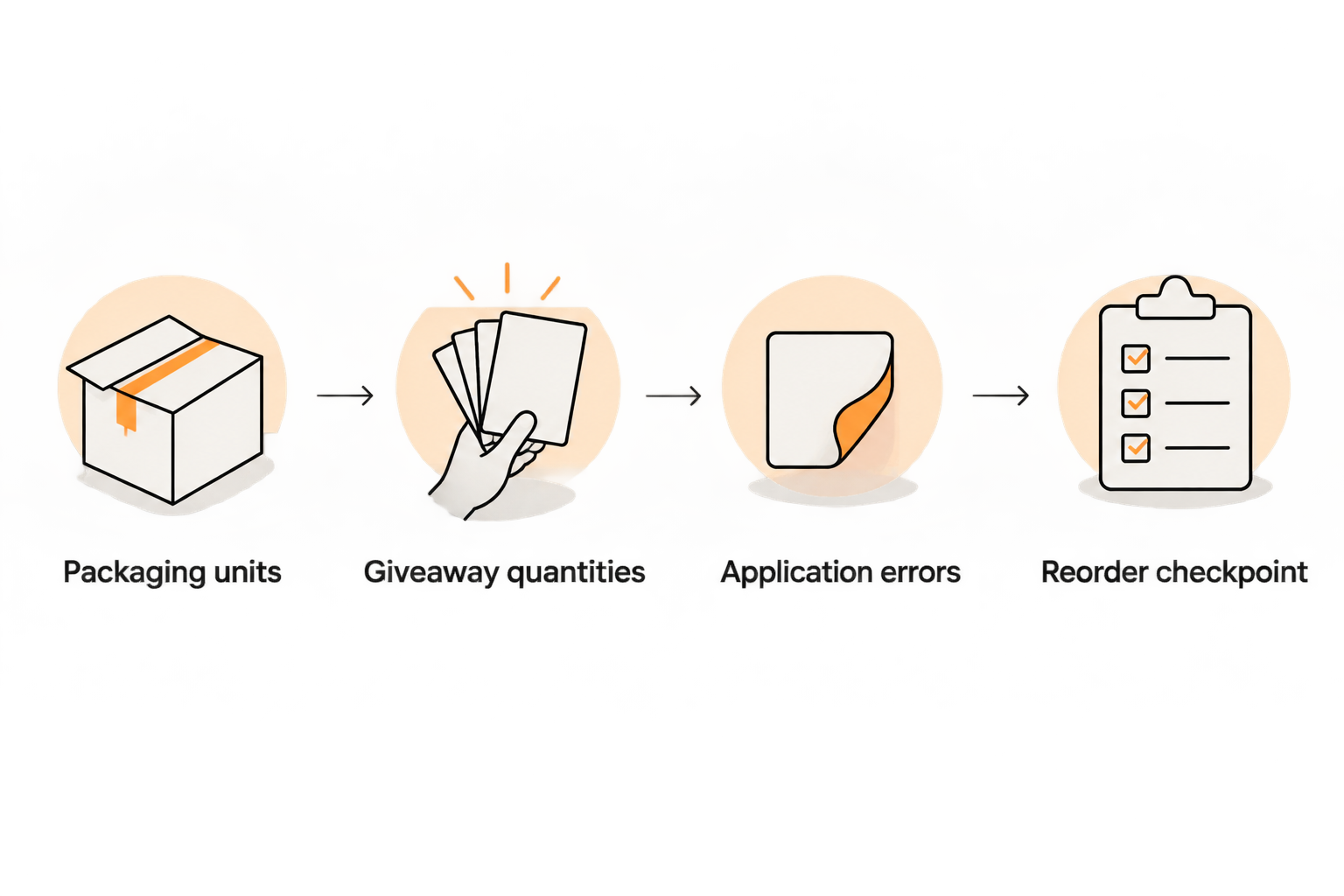
Count the jobs the stickers must cover. Packaging demand and giveaway demand should be separate lines, even if they share artwork. This makes it easier to decide which design needs a larger order.
Use a clearly labeled planning example: 240 takeaway bags receiving 1 sticker each require 240 stickers. Add 60 planned giveaway stickers, and the base requirement becomes 300 stickers. Those are hypothetical quantities, not a recommended brewery order size.
Add any handling allowance deliberately, based on your own experience. Do not hide an unexplained extra quantity inside the total. For dated designs, compare the order against the remaining campaign period rather than an entire year of taproom activity.
- Count packaging units for the chosen ordering period.
- Multiply by the number of stickers applied to each unit.
- Add separately planned event and giveaway quantities.
- Record any allowance for application errors.
- Assign a reorder checkpoint to the person managing supplies.
Compare sticker options for your brewery
The right option is the one that fits the artwork and application. These formats solve different problems; none removes the need for a proof or a surface test. Holographic describes an effect, while a QR code describes a function, so those choices can overlap with shape decisions.
| Option | Best for | Practical advantage | Key limitation |
|---|---|---|---|
| Circle sticker | Round brewery badges and compact packaging marks | Gives a circular logo a matching boundary | Wide wordmarks need rearranging or more space |
| Square sticker | Block-style logos and framed artwork | Keeps a regular footprint for placement | Does not follow an irregular illustration |
| Die-cut sticker | Mascots, illustrated marks, and giveaway artwork | Makes the artwork’s outline part of the sticker | Narrow details need careful cut-line review |
| Holographic sticker | Artwork designed around a reflective effect | Adds an effect that changes with viewing conditions | Small text and low-contrast areas need extra checking |
| QR-code sticker | Linking packaging or handouts to a chosen webpage | Gives customers a scannable route to that destination | Requires clear space, readable contrast, and real scan testing |
For QR-code artwork, preserve the quiet zone: the clear area around the code. Test the printed result in position, especially when a curved container changes how the code faces the camera. A successful scan from the artwork file is not a finished-product test.
Common mistakes breweries make
Using giveaway artwork as mandatory product labeling
A promotional design and a regulated beverage label have different jobs. Keep required information intact and check applicable labeling requirements before placing an additional sticker over existing packaging content.
Ordering a detailed crest too small
The full brewery crest might work on a sign but lose its small lettering on a bag sticker. Use a simplified version when the paper mockup shows that supporting details no longer read clearly.
Treating chilled containers like dry packaging
A sticker that fits a container has passed a size check, not a condensation or adhesion check. Describe the application conditions and test the actual surface before committing to broad use.
Buying dated artwork against evergreen demand
A release name or event date limits where leftover stickers remain useful. For a 2026 event, calculate demand for that event and keep the evergreen brewery-logo order separate.
Approving a QR code without testing its destination
A code can scan correctly and still open the wrong page. Check the destination, mobile experience, and printed scan before approval; keep control of the linked page after distribution.
FAQ
What’s the best shape for brewery logo stickers?
The best shape matches the logo and its placement: circles suit round badges, squares suit framed layouts, and die-cut shapes suit illustrated outlines. Check a paper mockup before ordering rather than choosing by shape alone.
Can I use custom logo stickers on beer cans?
Use a logo sticker on a beer can only after checking the surface, application conditions, and required labeling. Confirm suitability for the intended use and test the actual container; fit alone does not establish performance.
Are vinyl brewery stickers automatically waterproof?
No, the word vinyl alone does not establish the finished sticker’s water resistance or adhesive performance. Ask about the selected construction and intended exposure, especially for refrigeration and condensation.
Should a brewery choose matte or glossy stickers?
Choose matte or glossy after checking the artwork under its intended lighting. Compare reflections, small lettering, and dark areas, then confirm performance requirements separately from appearance.
How many brewery stickers should I order?
Order against counted packaging use, planned giveaways, and a deliberate allowance for application errors. Separate dated campaigns from evergreen brewery-logo demand so the quantity matches the period when the artwork is useful.
Can brewery stickers include a QR code?
Yes, brewery stickers can include a QR code that links to a chosen webpage. Preserve its quiet zone, maintain readable contrast, and scan a printed example on the intended surface before approving the order.
What should I check before approving a brewery sticker proof?
Check finished dimensions, brewery-name spelling, artwork, cut line, border, and any QR-code destination. Save the approved version, and keep production after proof approval separate from shipping in your schedule.
One last thing
Time the peeling task, not just the design review. Have the person who prepares takeaway orders try the intended liner and placement on actual packaging. A sticker can look correct in the proof yet be awkward to apply repeatedly; resolve that before placing the next bulk order with Vinylstatus.
Related guides
- Stickers vs. labels: which to order for your products
- Wholesale custom stickers: minimums, ordering, and proofs
- QR-code stickers for retail packaging, reviews, and reorders