
Can I upload HEIC or HEIF artwork for die-cut stickers?
Posted by Vinyl Status on
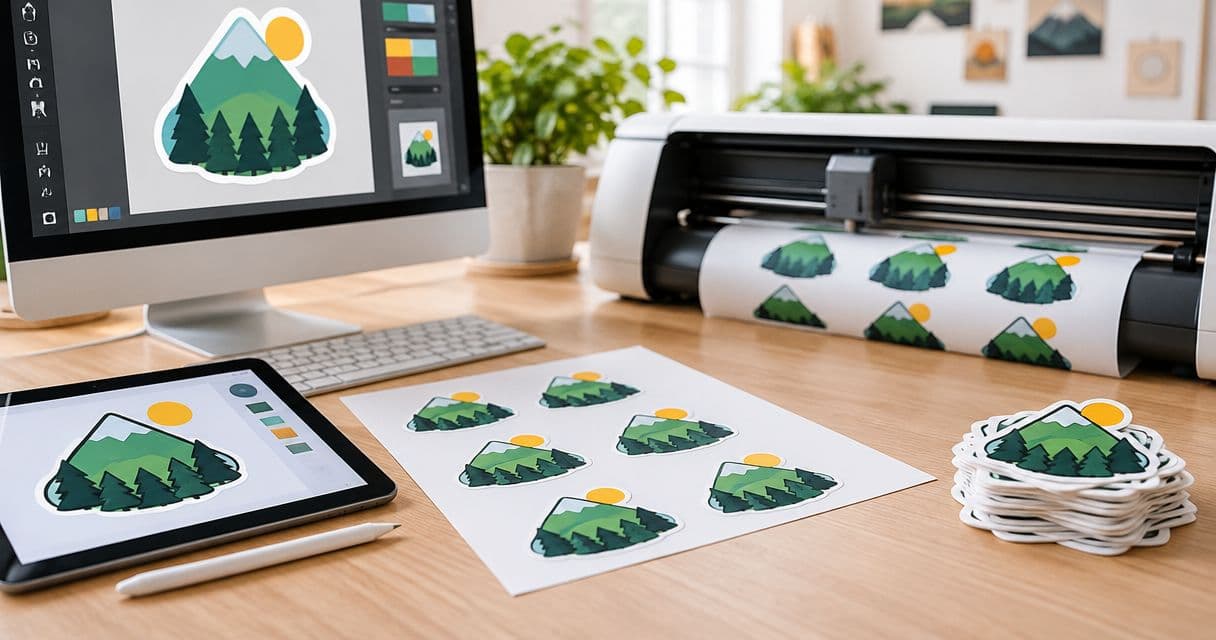
Yes. The die-cut sticker design step accepts artwork saved as .heic or .heif. If a phone saved your image in either format, you can select that original file in the artwork picker.
How to use your file
Choose your sticker size and quantity, then select Continue. At the design step, choose your HEIC or HEIF file and wait for the upload to finish. Check your digital proof before printing, paying close attention to small lettering, borders, and the cut shape.
For the clearest result, start with the original image rather than a screenshot or a copy from a message. Our artwork preparation guide explains how to check resolution at the finished sticker size and what to review in your proof.