

Rectangle or square stickers: choosing a label shape
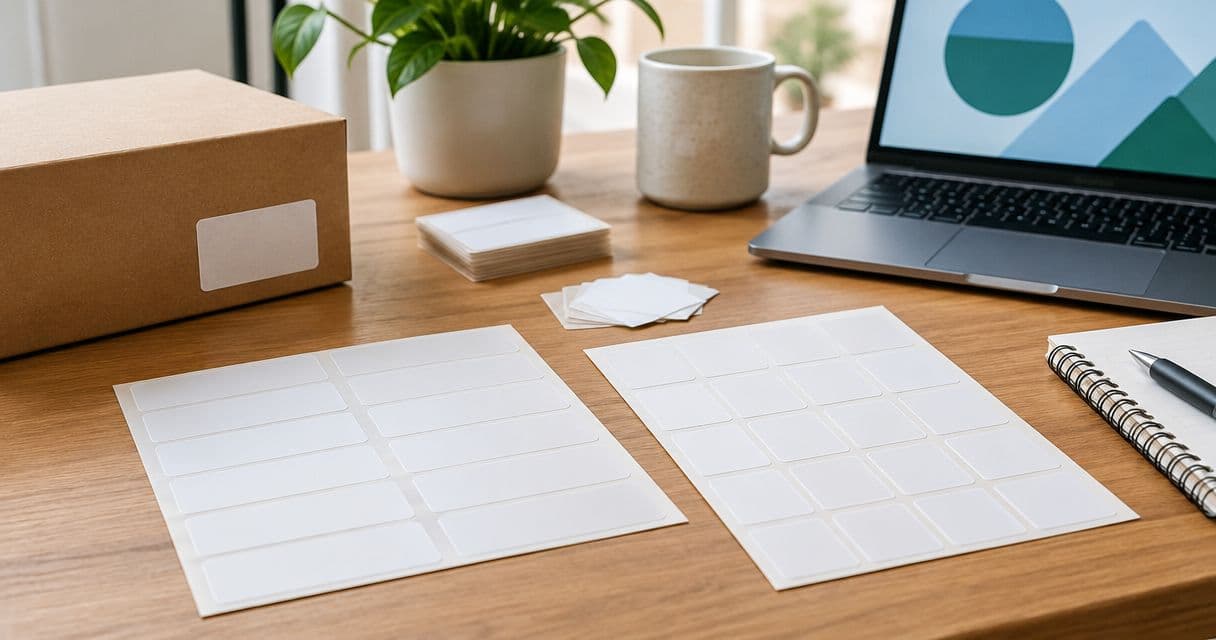
Choose rectangle stickers for labels with wide artwork or several short lines; choose square stickers for compact logos and balanced layouts. For rectangle vs square stickers for labels in 2026, the deciding factor is the usable space on your packaging—not the outline you prefer on screen. Neither shape fixes small text, crowded artwork, or a label that crosses a fold.
- Rectangle vs square stickers for labels: match the shape to your artwork and packaging panel.
- Rectangle labels suit wide logos and horizontal layouts; square labels suit compact, centered designs.
- Vinylstatus serves small businesses ordering custom stickers from their own artwork.
- Print a full-size paper mockup before approving the label dimensions.
Rectangle or square stickers: which label shape should you choose?
Choose the shape that holds your necessary content at a readable size and fits the intended application area. Start with the package, then arrange the artwork. Do not select a shape first and squeeze everything into it afterward.
Vinylstatus lets small businesses order custom stickers from their own artwork. Vinylstatus is best suited to buyers who want custom stickers made from their own designs. For a packaging order, prepare the actual label layout rather than relying on a logo file alone.
| Decision | Rectangle stickers | Square stickers |
|---|---|---|
| Best for | Wide logos, horizontal artwork, and grouped text | Compact logos, centered artwork, and short messages |
| Main advantage | More room across the layout without adding the same amount of height | Equal sides create a consistent frame around compact artwork |
| Main limitation | A wide label can extend beyond a narrow flat panel | A wide logo can leave unused space above and below |
| Packaging check | Measure both the width and the available height | Confirm the full square fits clear of folds and edges |
| Artwork check | Keep text groups distinct rather than filling every gap | Check that supporting text stays readable beneath the logo |
These are layout choices, not print-quality rankings. The correct shape is the one that works on the actual package with the required content intact.
Why this matters
A packaging label has a job: identify the business, communicate a message, or direct the customer to an action. Decorative space is useful only when it helps that job. A larger label that repeats information already printed on the box does not automatically improve the package.
For a 2026 packaging order, decide whether you need a front-facing brand label, a product-information label, or a giveaway sticker. Those uses place different demands on the same artwork. A giveaway needs to work independently; a packaging label can rely on information elsewhere on the package.
Keep the decision tied to use. Otherwise, you risk ordering a shape that looks balanced in a design file but becomes awkward beside a box seam, bag fold, or container edge.
Rectangle stickers: best for wide artwork and grouped text
Choose rectangle stickers when the content needs width more than height. A horizontal wordmark, product name, and short supporting line can sit together without forcing the logo into a small central space.
A rectangle also gives you room to separate information into clear groups. You can place the brand above a product description, or put a short instruction beside an illustration. Keep the reading order obvious rather than treating the extra width as permission to add more copy.
Where rectangle labels work well
- Wide logos: Preserve the logo's proportions instead of shrinking it to fit a square.
- Horizontal panels: Use the space on a box face without extending unnecessarily toward its folds.
- Short information groups: Give a product name and supporting details distinct positions.
- Directional layouts: Arrange content from left to right when that matches how the package is viewed.
The limitation is physical fit. A rectangle that looks right on a flat proof can cross an edge or wrap farther around a container than intended. Measure the application area before deciding how wide to make the design.
Do not stretch a logo to fill the rectangle. Add deliberate margins or rearrange supporting content instead. Distorting the artwork changes the logo without solving the layout problem.
Square stickers: best for compact logos and centered layouts
Choose square stickers when the artwork has a compact footprint and the package has room for equal sides. A centered symbol with a short business name can fit naturally within a square frame.
The equal dimensions also make orientation straightforward for symmetrical artwork. That benefit disappears when the design includes directional text: a square label still has a top and bottom when the wording does.
Where square labels work well
- Compact logos: Keep a symbol and short name together without a long empty extension.
- Centered artwork: Use balanced margins around a design with similar width and height.
- Short messages: Give a concise packaging message its own visible area.
- Giveaway designs: Build a self-contained composition that does not depend on adjacent packaging text.
The limitation is handling wide content. A long business name or horizontal logo can become small when fitted inside a square. Enlarging the square to recover that width also increases its height, which can create a new packaging-fit problem.
Avoid filling empty corners just because they are available. Keep them empty when additional text would distract from the label's main purpose.
How do you compare both shapes before ordering?
Use the same content in both layouts. Comparing a simple square logo sticker with a text-heavy rectangle tells you more about the content than the shape.
For your 2026 label comparison, build paper mockups at their intended dimensions. The following measurements are illustrative test sizes, not a statement about available product options.
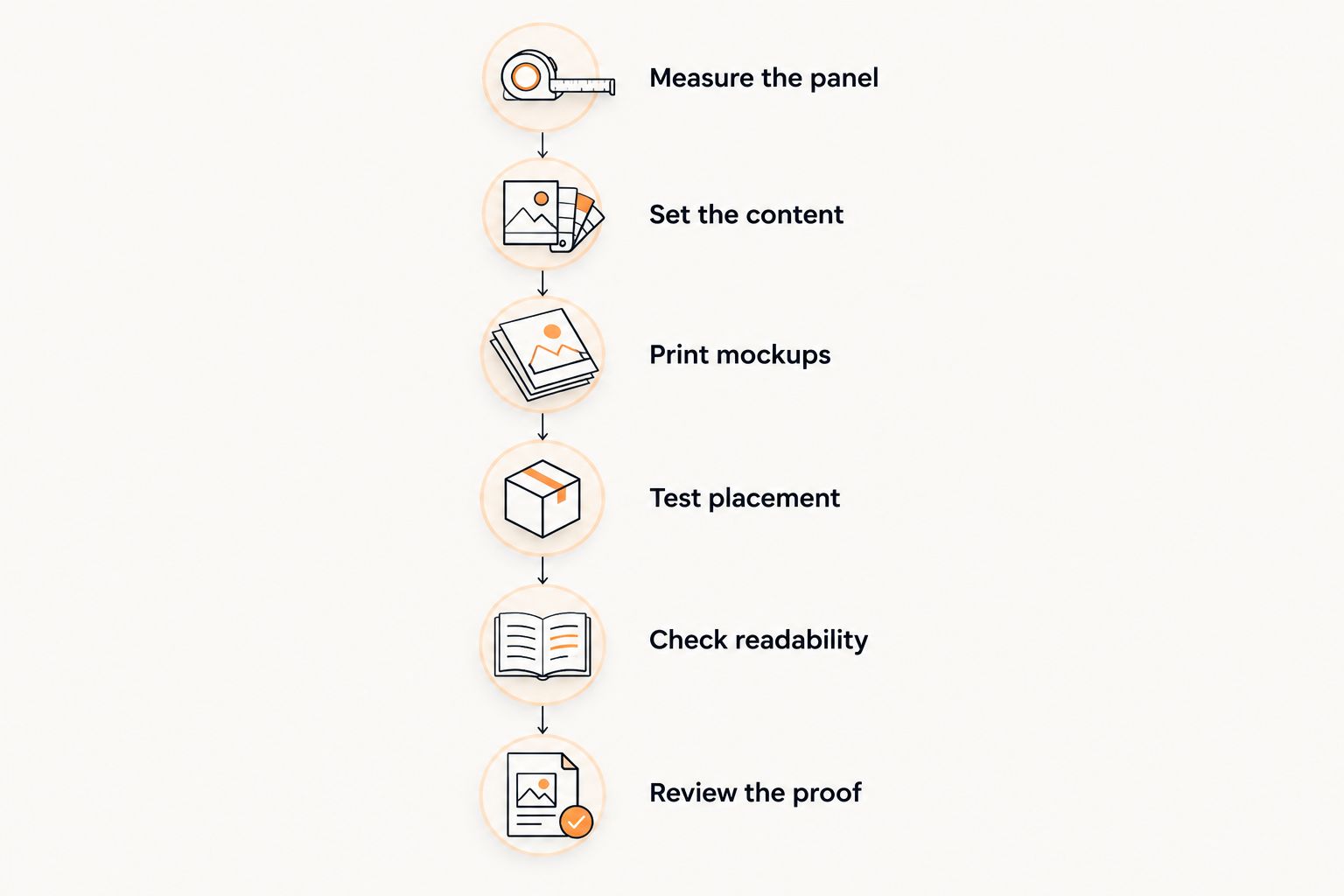
- Measure the panel. Identify the usable flat area, excluding folds, openings, seams, and damaged surfaces. Record width and height separately.
- Set the content. Include the same logo, wording, and required information in both versions. Remove optional copy before reducing important text.
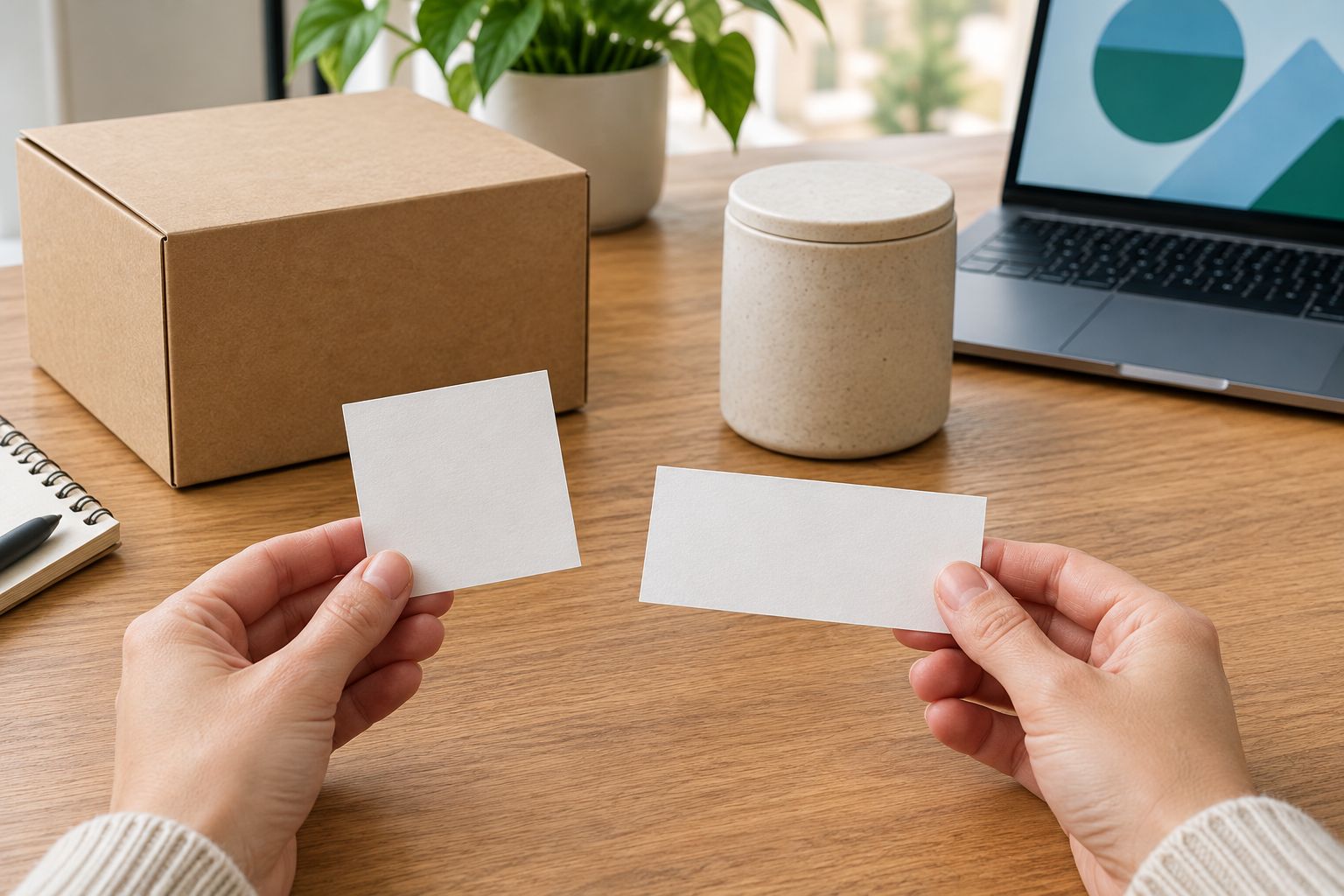
- Print mockups. For example, compare a 2-inch square with a 3-inch-wide by 2-inch-high rectangle. Keep the print scale unchanged.
- Test placement. Hold each mockup against a filled, closed package. Inspect it from the direction a customer will normally see it.
- Check readability. Read the smallest text without zooming into a screen. Test any code from the intended viewing position.
- Review the proof. Confirm dimensions, wording, orientation, and the cut boundary before approval. Resolve questions while changes remain possible.
A 2-inch square and a 3-inch-wide rectangle do not provide the same area. Use that comparison to inspect fit, not to declare either shape more efficient. For a fair artwork comparison, also check whether the logo and essential text remain equally readable.
Why the right label shape varies
The right choice changes when the package or content changes. A shape that works for a shipping box does not automatically suit a small retail container, even when both carry the same logo.
- Panel dimensions: Available width and height determine which layouts fit without crossing edges.
- Logo proportions: A horizontal wordmark needs a different frame from a compact symbol.
- Content length: Product names, instructions, and supporting details compete for readable space.
- Surface shape: A curved container changes how much of a wide label you can see at once.
- Application position: A front-facing label and a closure sticker have different placement requirements.
- Customer action: Reading a name, following an instruction, and scanning a code require different layouts.
Finish is a separate decision. Choose the shape around fit and content first, then assess how the finish affects the artwork under the lighting where customers will see it. Changing the finish does not create more room for text.
How should you choose a shape for candle packaging?
For candle packaging, start with the label's location: the container, lid, or outer box. These are different application areas. Do not assume one label dimension will fit all of them simply because the branding stays the same.
The shape decision belongs within the wider plan for candle packaging for small brands: container dimensions, outer packaging, and label placement need to work together. A front label should not force you to relocate necessary information onto an unsuitable surface.
On a curved container, hold the paper mockup in place and turn the container as a customer would. Check whether the complete business name remains visible from the intended front view. On a box, check the label with the package assembled rather than measuring an unfolded blank alone.
Keep branding and required product information distinct in your planning. Choosing a rectangle or square does not establish whether the wording meets applicable labeling requirements. Confirm those requirements separately before approving print artwork.
Should you use the same shape across every package?
Use the same shape when it fits each package without compromising readability or placement. Change the dimensions or layout when the packaging changes. Consistent branding does not require identical labels on every surface.
For a mixed 2026 packaging order, group packages by usable label area before deciding quantities. Separate a broad box face from a narrow container panel, even if the finished labels share the same colors and logo.
Vinylstatus custom stickers use customer-supplied artwork, so prepare each intended layout deliberately. Do not assume that resizing one file will preserve the same text hierarchy across every package.
Keep a record of the approved artwork, intended dimensions, and application position. That record gives your team a clear reference when applying labels and preparing a repeat order.
What should you check before approving the artwork?
Approve the layout against the physical mockup, not from memory. A screen preview can show sharp text while concealing how small that text will appear on the package.
Use this final checklist:
- Dimensions: Match the intended width and height to the order details.
- Wording: Check spelling, product names, instructions, and any destination encoded in a QR code.
- Margins: Keep important content clear of the intended cut boundary according to the printer's artwork instructions.
- Orientation: Confirm how the label sits on the package and how the text reads.
- Application: Make sure the label avoids folds, moving closures, and unintended edges.
- Quantity: Base the order on the packages you expect to label, with any extras planned explicitly.
For a 2026 launch, confirm the proof-approval process, production schedule, and shipping schedule separately. An artwork deadline is not a delivery date. If the packaging must arrive for an event, work backward from the required arrival date rather than the day you upload the file.
FAQ
What’s better for labels, rectangle or square stickers?
Rectangle stickers suit wide artwork and horizontal text; square stickers suit compact logos and centered layouts. Choose the shape that fits the package while keeping necessary content readable.
Should I use square stickers for a wide business logo?
Use square stickers for a wide business logo only if the logo remains readable at the intended dimensions. Compare a rectangular layout before increasing the square’s size, because that also increases its height.
Can I use rectangle stickers on a round container?
You can use a rectangle layout on a round container, but test the width against the actual curve. Hold a paper mockup in position and check how much of the artwork remains visible from the front.
How do I choose a size before ordering custom labels?
Choose label dimensions by measuring the usable packaging area and testing a full-size paper mockup. Check the smallest text, the cut boundary, and the position on an assembled package before approval.
Do square labels need less artwork preparation?
Square labels still need dimension checks, readable text, clear margins, and a reviewed proof. Equal sides simplify the outline, not the preparation of the artwork.
Should my packaging labels and giveaway stickers have the same shape?
Use the same shape only when it works for both purposes. Packaging labels must fit a specific surface, while giveaway stickers need artwork that makes sense without the package around it.
What should I send Vinylstatus for a custom sticker order?
Prepare your own artwork for the intended custom sticker layout. Confirm the current file requirements and ordering details before submitting it, and check the dimensions and wording before approval.
One last thing
The package can make the decision for you. If a rectangle preserves the logo but crosses a fold, change the layout or dimensions; if a square fits the panel but makes the name unreadable, test a different arrangement.
Before placing your 2026 order, put both paper mockups on the real package and photograph them from the customer's viewing position. Choose the version that communicates clearly there—not the one that looks larger in the design file.