

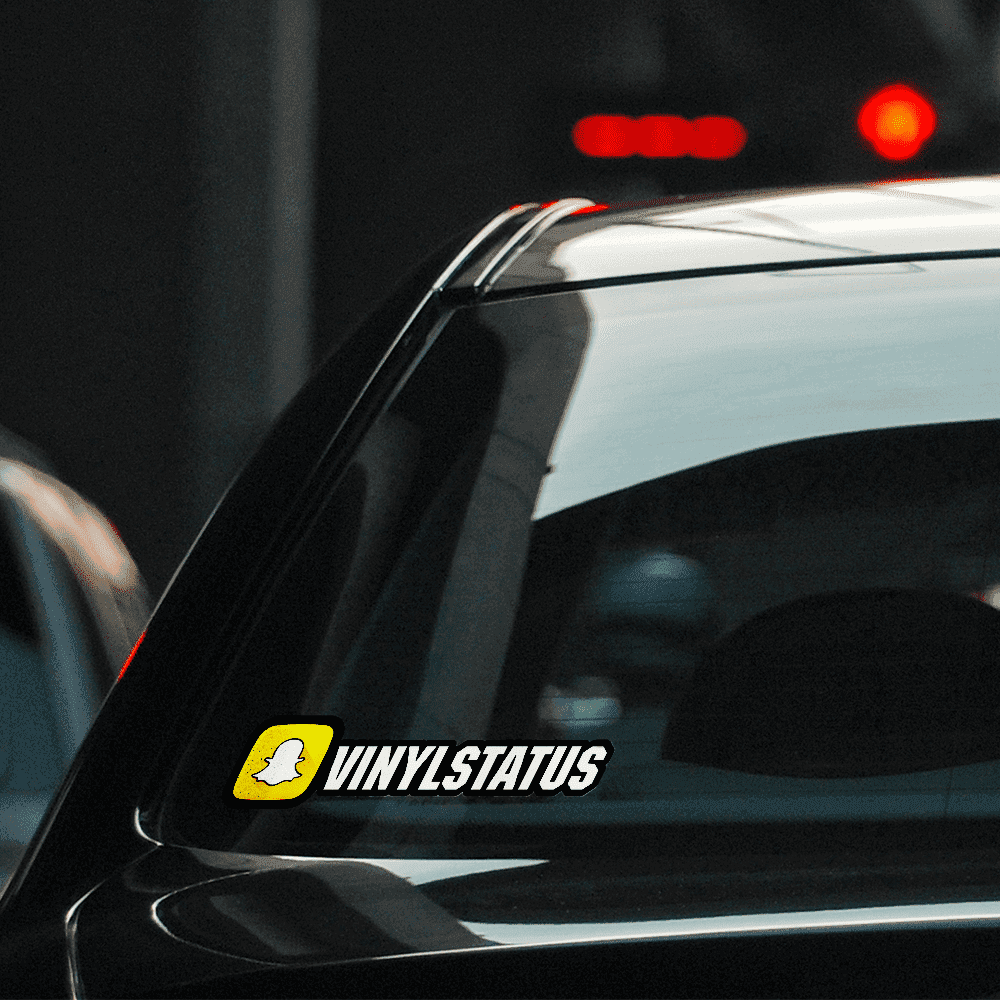
Choose your look
Your live preview shows your selected lettering, colors, and layout.
Put your Snapchat name on display. Choose your font, colors, size, and quantity in the live preview.
Enter your username, check your live preview, and choose the size that fits your space. Order matching copies or add another design for someone else.
See how to apply your decalYour live preview shows your selected lettering, colors, and layout.
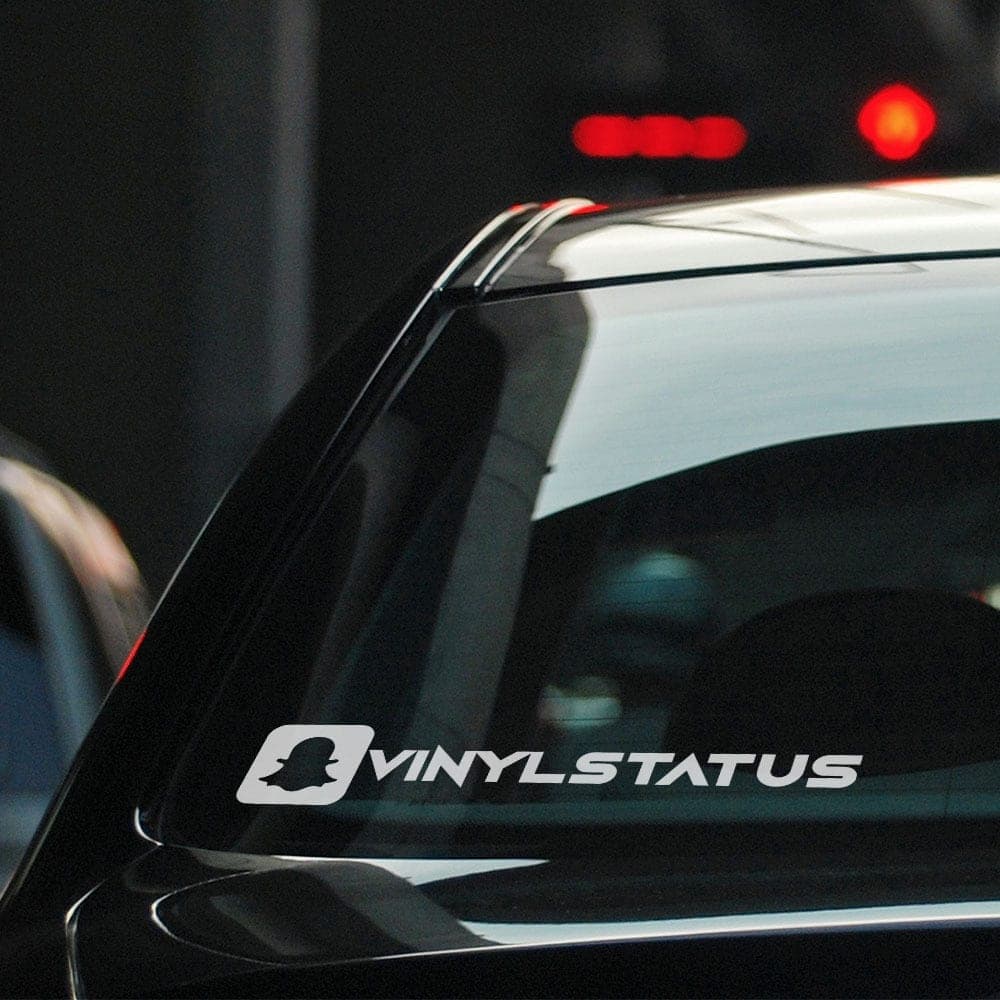
Check the finished width and height before ordering.
4.91 / 5 · 2,262 reviews · Powered by Yotpo · Includes related product reviews
Great sticker, easy installation
Incentivized reviewCustom Text Windshield Banners / Stickers / DecalsAbsolutely love my stickers. So easy to advertise on my cars.
Incentivized reviewCustom Instagram Social Stickers / Decals - Color LogoExactly what I was looking for. Looks great!
Incentivized reviewCustom Text Vinyl Lettering Stickers / DecalsShowing 3 of 2,262 reviews
Type exactly what you want printed. Check spelling, punctuation, and capitalization in the live preview before adding your design to the cart.
Choose the overall width in inches. The height follows your Snapchat logo and your username and chosen font. Check both finished dimensions below the preview and measure your space before ordering.
Choose your lettering font and color using the available options. The original logo or flag keeps its own colors. Your preview and total update as you customize the design.
No. The checkerboard shows transparent areas in the preview. Any background color you select is part of the design; transparent areas remain clear.
Use a clean, dry, smooth surface such as glass, a window, or a smooth metal or plastic panel. Avoid textured or freshly painted surfaces. Measure your space and keep vehicle lettering clear of sight lines.
Follow the application instructions for your selected style. A sticker with a background peels and sticks in one piece. For transfer decals, transfer tape keeps the separate letters and shapes aligned during application. View application instructions.
Choose a quantity for copies of the same design, size, font, and colors. Add each different design as a separate cart item. You can start another design after adding this one to your cart.
Copyright 2026 Vinyl Status.
All rights reserved.